
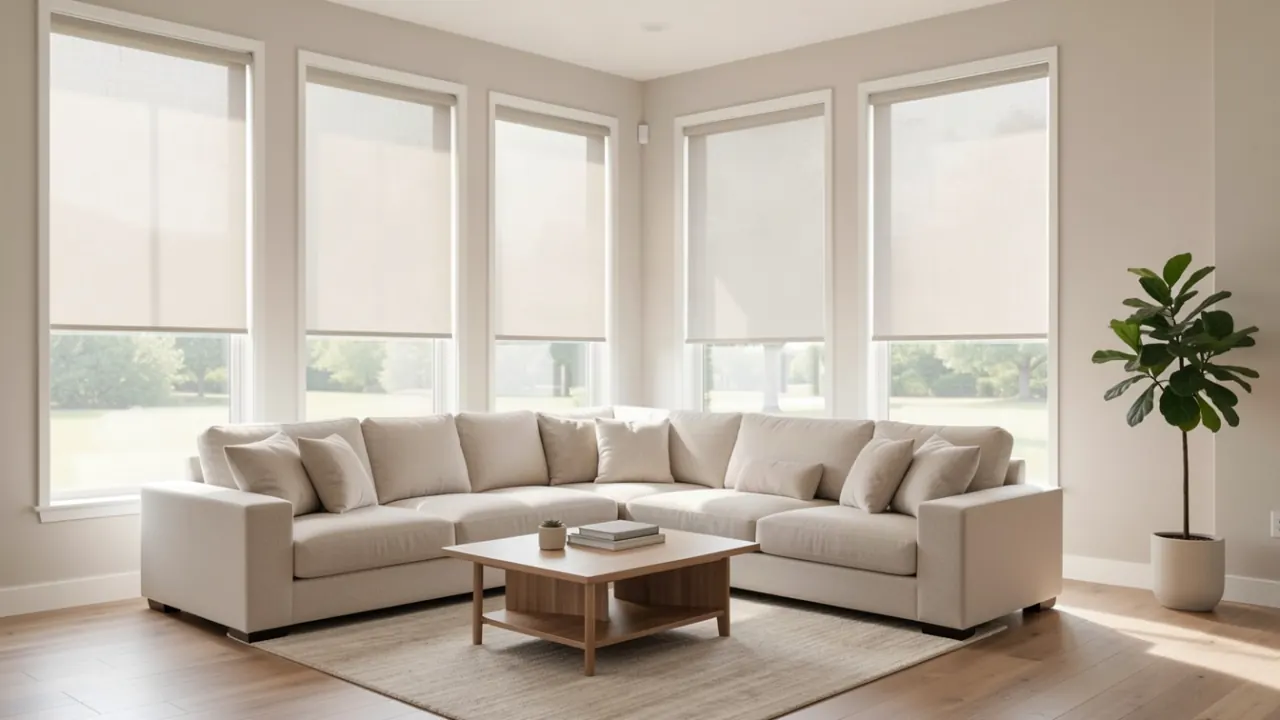
Who gets the most out of smart shades
Smart shades make sense when a schedule would do a better job than you do. Building America research for the Department of Energy notes that most windows have shading that could be adjusted, but few get adjusted in a way that saves energy. A shade that closes itself at 2 p.m. every summer afternoon solves that.
They fit best for:
- Homes that already run an Alexa, Google Home or Apple Home setup
- Media rooms and home offices where glare comes and goes with the sun
- Bedrooms where you want dark at night and light at a set wake time
- Tall entry and stairwell windows nobody can reach
- New builds and remodels, where the guidance recommends pre-wiring for motorized shades
Signs your house is ready for it
You lower the same shades at the same time every day. You own a smart speaker and use it. A room is unusable for two hours each afternoon. Or you're planning a remodel and the walls are open, which is the cheapest moment to run power to the window heads.
How the platforms fit together
Voice assistants and Matter
Matter is a connection standard meant to let one device work across ecosystems. Amazon's developer documentation lists window coverings, including motorized roller shades and exterior blinds, as a Matter device type that Matter-enabled Echo devices can control. When the first Matter shades shipped in 2023, they were sold as working with HomeKit, Alexa and Google Assistant. Older shade systems use the maker's own bridge instead, which still links to the big platforms but keeps you with that maker.
Schedules, scenes and sensors
HomeGuide describes motorized shades that can follow a time of day, sunlight or temperature. In practice that means scenes like "morning," "away" and "movie," and rules such as closing the west windows during summer afternoons. The same federal guidance suggests closing shades during summer days and opening them at night when the outside air is cooler.
Power choices
Battery and solar motors need no electrician. Hardwired motors never need charging and, per the guidance, handle large and heavy shades better. If you go hardwired in an existing house, expect an electrician and possibly a permit.
What the install looks like
- Walkthrough. The pro asks which platform you use, which rooms matter and where your router sits.
- Measuring. Each window gets measured for an inside or outside mount, and the pro checks the depth the motor needs.
- Ordering. Smart shades are built to size, so there's a production wait. Ask how long.
- Install and pairing. Brackets go up, shades get hung, and the pro sets the top and bottom stop points and pairs each shade to the bridge or app.
- Handoff. You build the first schedules and scenes together, and the pro shows you the manual override.
Smart shade cost table
| Item | Reported cost |
|---|---|
| Motorized roller shade, installed | $300 to $550 per window |
| Motorized cellular shade, installed | $300 to $600 per window |
| Motor premium over a manual shade | $200 to $300 per window |
| Installation labor alone | $50 to $250 per window |
| Replacement batteries | $10 to $30 per blind |
| Inspection for new wiring | $75 to $150 |
| App subscription, where charged | $10 to $50 per year |
The first four rows come from HomeGuide's motorized blinds guide, the rest from Angi's. Your quote comes from the pro's visit. See the full motorized shades cost page.
Questions to put to the pro
- Does this system support Matter, or does it need the maker's own bridge?
- Which of my current devices can act as the controller?
- How does a shade behave if the internet drops?
- Battery, solar or hardwired for each window, and why?
- Who does the wiring, and is a permit needed?
- What does the warranty cover on the motor versus the fabric?
Planning the patio too? See motorized outdoor shades. For rooms that don't need a motor, compare custom blinds and shades. The Building America guide on window attachments for solar control is worth a read before you choose fabrics.
Areas we cover for smart home shades
Questions about motorized shades
- Can I mix shade brands in one smart home?
With Matter shades, mixing is easier because each one shows up in the same app. With older bridge-based systems, each brand brings its own bridge and app. Ask the pro whether everything in your quote can live in one place.
- Do smart shades work without the internet?
Ask about the specific system. Many keep a remote or a button on the motor that works locally, and HomeGuide notes a reset button on the motor head. Voice control and away-from-home control need the connection.
- Will smart shades work with Apple Home?
Many do, either directly through Matter or through a maker's bridge that supports HomeKit. Tell the pro you use Apple Home so the quote only includes compatible motors.